The Best Web Hosting for No-Code Makers, Freelancers, and Small Teams (2026)
StackReview is reader-supported. When you buy through links on our site, we may earn an affiliate commission. This never influences our scores.
Summary
Match the host to how you build: a builder-first plan for no-coders, a multi-site shared plan for freelancers, and cloud hosting with staging for teams.
Best for: Non-technical builders choosing their first (or next) host
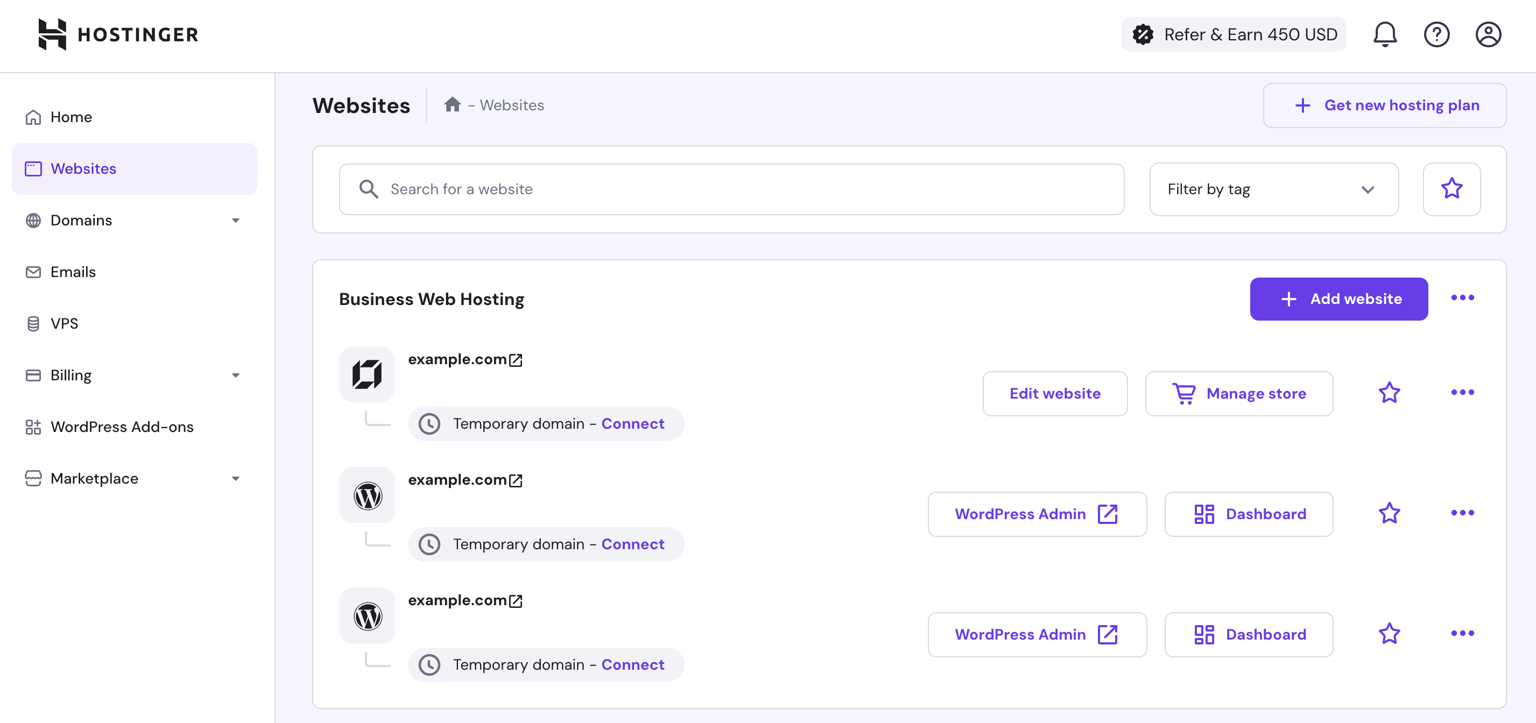
Stop shopping by specs
Most hosting guides compare gigabytes and inodes. None of that matters if the workflow doesn't fit how you build. Below, we match hosting setups to three ways people actually work in 2026 — no-code makers, freelancers running client sites, and small teams shipping a product site.
If you're a no-code maker
You build in drag-and-drop tools and want zero server thinking. Two good paths:
- All-in-one builder hosting. Hostinger's Website Builder plans bundle hosting, domain, SSL, and an AI-assisted builder — the fastest route from idea to live site, and the cheapest of the polished options. Wix and Squarespace are more design-mature but cost noticeably more per site.
- WordPress without the mess. If you need WordPress plugins (memberships, LMS, WooCommerce) but not the sysadmin work, managed WordPress plans from Hostinger or SiteGround give you one-click installs, automatic updates, and staging.
Our pick: a Hostinger builder or WordPress plan, because the monthly cost of a mistake is nearly zero and you can graduate plans without migrating hosts.
If you're a freelancer
Your needs are different: many small sites, one bill, and a dashboard you can hand to clients. Look for a plan that allows dozens of websites, per-site staging, and easy email hosting.
- Best value: Hostinger's mid shared tiers host up to a hundred sites with free SSL everywhere and business email — the per-client cost rounds to pocket change.
- Best client experience: SiteGround's GrowBig/GoGeek tiers cost more but offer white-label-friendly collaboration tools, daily backups on every site, and support that saves your evening when a client's site breaks.
Whichever you choose, put every client on its own subaccount/site, keep backups tested, and bill hosting to clients annually — you'll fund the whole setup with one invoice.
If you're a small team
A team's site is closer to a product: multiple editors, real traffic, and downtime that costs money. Entry shared hosting is the wrong tool. What to buy instead:
- Cloud/premium shared hosting with guaranteed resources — Hostinger's Cloud plans or SiteGround's GoGeek keep noisy neighbors away from your traffic.
- Staging and daily backups as non-negotiables. Test changes off production; restore in one click when someone breaks the homepage.
- A CDN in front (built into most of these plans, or via Cloudflare) so global visitors aren't waiting on a single data center.
If your product itself is an app (not just the marketing site), host the app on a platform built for it — Vercel, Railway, a VPS — and keep the marketing site on boring, reliable web hosting. Mixing the two on one box is how weekend outages happen.
The one-paragraph summary
No-code maker: builder-included hosting, cheapest polished option wins — Hostinger. Freelancer: multi-site shared plan with staging and email — Hostinger for value, SiteGround for hand-holding. Small team: cloud tier with staging, daily backups, and a CDN — and keep apps off your web host. Read our full Hostinger review and the Hostinger vs Bluehost vs SiteGround comparison for the details behind these picks.
Some links in this guide may be affiliate links; they never influence which hosts we recommend.
Pricing
Recommendations reference entry and mid tiers across several hosts; all pricing is indicative as of September 2026 and changes frequently — verify before you buy.
Verdict
Match the host to how you build: a builder-first plan for no-coders, a multi-site shared plan for freelancers, and cloud hosting with staging for teams.
Visit Hosting Buying GuideAlternatives to consider
Get the next review first
One honest SaaS review in your inbox each week. No spam, unsubscribe anytime.
About the author
Sunny Dubey
Founder & Editor of StackReview. Sunny runs a digital marketing company in India and has spent years buying, deploying, and abandoning SaaS tools for his own team — every review here is tested, written, and scored by him after weeks of real use.
More from Sunny Dubey →