Loom Review: Async Video That Actually Saves Meetings
StackReview is reader-supported. When you buy through links on our site, we may earn an affiliate commission. This never influences our scores.
Summary
4.5The simplest way to send a quick screen-and-face video — a genuine meeting-killer for async teams.
Best for: Distributed teams that want to replace status meetings with quick videos
- Ease of use
- 4.8
- Features
- 4.3
- Value for money
- 4.4
- Support
- 4.2
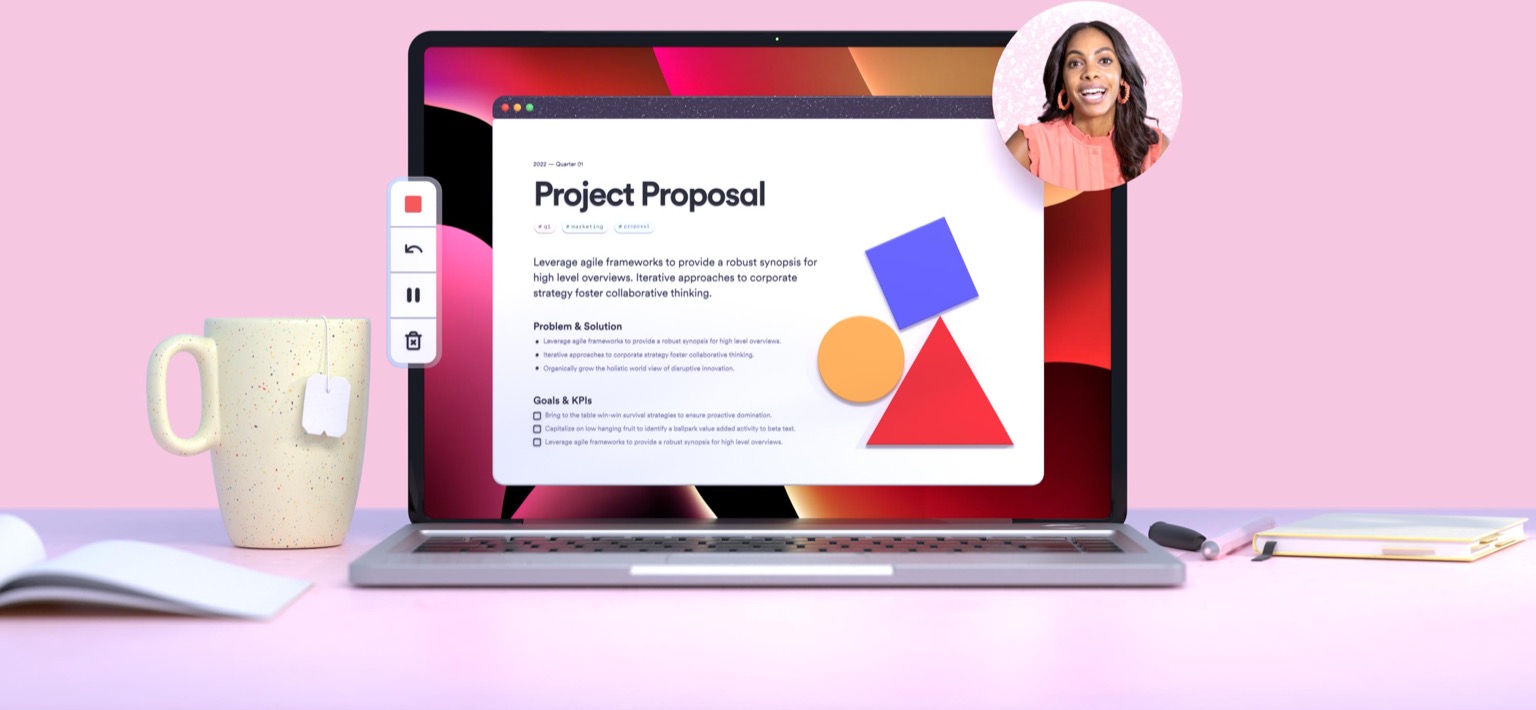
TL;DR: Loom is the simplest way to send a quick screen-and-face video, and it genuinely replaces a chunk of meetings for async teams. The value is real only if your team builds the habit — but few tools change behavior this easily.
What is Loom?
Loom is async video: click record, capture your screen and camera, stop, and a shareable link is instantly on your clipboard. That one removed step — no uploading, no editing, no scheduling — is enough to change how a team communicates.
Explanations that would have been a meeting or a wall of text become a two-minute Loom, watched whenever the recipient has time.
Standout features
- Two-click recording. Screen + camera with almost zero friction.
- Instant links. Videos play in the browser — no downloads for viewers.
- AI titles, summaries, and chapters. Auto-generated so viewers can skim.
- Engagement and comments. Reactions and time-stamped replies keep feedback in context.
Pricing at a glance
| Plan | Approx. price | Best for |
|---|---|---|
| Starter (Free) | $0 | Light use with video count/length limits |
| Business | ~$12–15 / creator / mo | Teams needing unlimited videos + admin |
| Enterprise | Custom | SSO, security, and scale |
Prices are approximate — verify on the official pricing page.
Who it's for
Distributed and async-first teams, plus anyone who explains visual things often — support, design, product, and sales.
Who should skip it
Teams that won't change their habits (a tool nobody records in does nothing), or anyone needing heavy video editing — Loom's editor is intentionally minimal.
How it compares
Vidyard leans toward sales video with deeper analytics. Scribe auto-generates step-by-step guides instead of video. Zight bundles screenshots, GIFs, and recording.
Final verdict
Loom's ROI is cultural: make "send a Loom" the default for anything that doesn't need real-time back-and-forth, and you'll visibly cut meetings. Adopt the habit and it's superb.
FAQ
Is Loom free? Yes — the Starter plan is free with limits on video count and length; Business unlocks unlimited recording and admin.
Can Loom replace meetings? For one-way updates and explanations, absolutely. For real-time discussion and decisions, keep the meeting.
Does Loom transcribe videos? Yes — it provides transcripts plus AI-generated titles, summaries, and chapters.
Pros
- Record screen + camera in two clicks
- Instant shareable links, no downloads
- AI titles, summaries, and chapters
- Viewer engagement and reactions
- Great for async explanations and reviews
Cons
- Free tier limits video count/length
- Value depends on team adopting the habit
- Editing is intentionally lightweight
- Storage and admin controls need paid tiers
Pricing
Free tier with video and length limits; paid Business tier per creator/month, plus Enterprise. Indicative as of the review date — verify with Loom.
Verdict
4.5 / 5The simplest way to send a quick screen-and-face video — a genuine meeting-killer for async teams.
Visit LoomAlternatives to consider
Get the next review first
One honest SaaS review in your inbox each week. No spam, unsubscribe anytime.
About the author
Sunny Dubey
Founder & Editor of StackReview. Sunny runs a digital marketing company in India and has spent years buying, deploying, and abandoning SaaS tools for his own team — every review here is tested, written, and scored by him after weeks of real use.
More from Sunny Dubey →